
Tutorial: How to Use the Compass and Find Pirate Shop Access in Fortnite 2026
05/11/2026 · Updated on: 05/11/2026
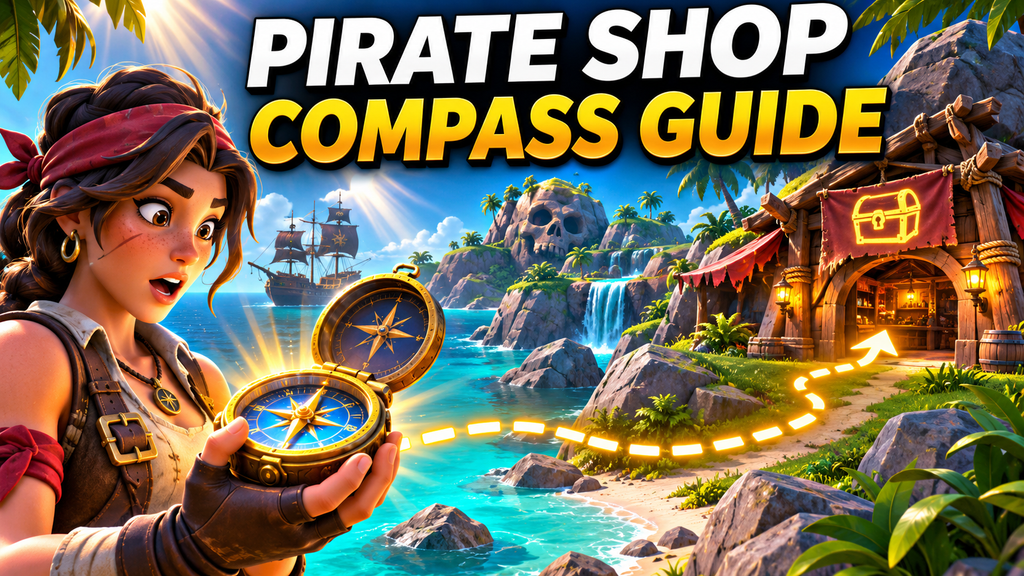
Players searching for Pirate Shop Access in Fortnite may come across videos that show a special compass pointing directly to a winning chest. That idea is appealing, especially when the reward is rare, but it needs to be treated carefully. The normal Fortnite compass shows the direction you are facing; it does not identify a chest that contains a specific reward or unlock Pirate Shop Access by itself.
The most useful approach is to use the compass as a navigation tool while searching legitimate loot routes. It can help you move between buildings, follow teammates, communicate enemy positions, and avoid losing time while exploring Crossbones Isle or any other active Battle Royale island.
What the Fortnite compass actually does
The compass is displayed at the top of the screen. It shows the direction your camera is facing through cardinal points and degree markers.
The main directions are:
| Direction | Degrees |
|---|---|
| North | 0 or 360 |
| East | 90 |
| South | 180 |
| West | 270 |
When you rotate the camera, the compass changes with your view. If east is in the center, you are looking east. If you turn until south is centered, you are looking south.
This may sound basic, but it becomes valuable during a fast match. A player can land in a busy area, move through several buildings, escape a fight, and still know which direction leads back to a teammate, a marked location, or the safe zone.
The compass is useful for navigation. It does not act as a treasure detector, chest radar, or Pirate Shop Access tracker.
Understanding Pirate Shop Access claims
Pirate Shop Access is often discussed alongside chest hunting because players may look for limited rewards while exploring the island. That has also created misleading videos and posts that promise a shortcut through a “secret compass,” a map code, or a special button combination.
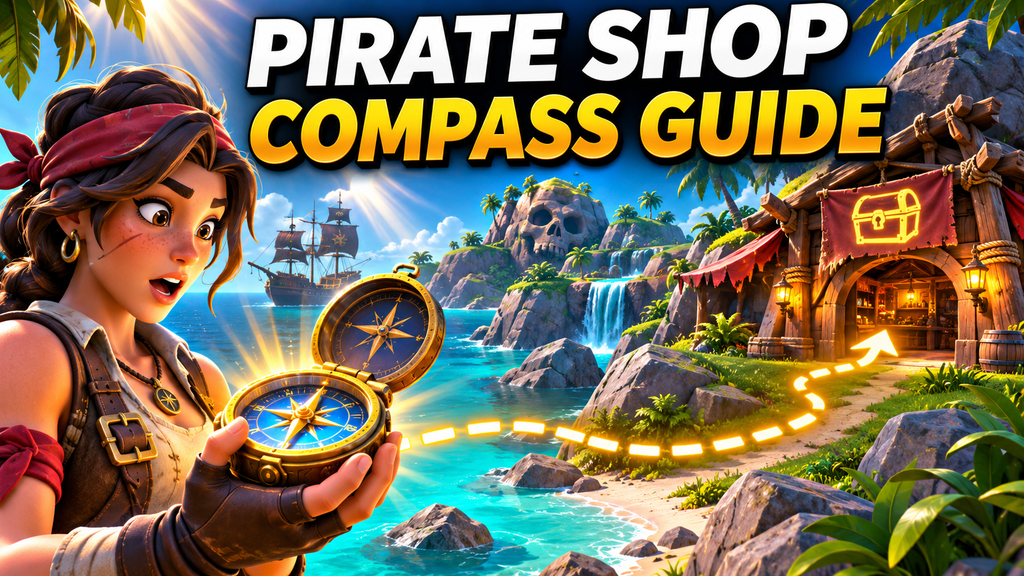
Before following any tutorial, check what it is actually showing. A normal on-screen compass is part of the Fortnite interface. A large blue-and-gold compass pointing to a guaranteed reward may be edited footage, content from a custom Creative island, or an image designed to attract attention.
The official Treasure Hunters season information focuses on exploring Crossbones Isle, discovering loot, visiting points of interest, and taking part in changing in-game activities. It does not describe a special compass that guarantees Pirate Shop Access from a particular chest. fortnite.com
A reliable method should never require account details, external downloads, login codes, payment information, or access to a third-party website. Any offer that asks for those details should be avoided.
Use the compass to build an efficient chest route
The best way to make progress is to create a short and repeatable loot route. Instead of landing at a random building and hoping to find a reward, choose several nearby locations and connect them through compass directions.
For example, you could begin at a large building, search it from the roof down, move east toward a smaller structure, then rotate south to another loot area. The exact locations will change depending on the island and the current match, but the structure of the route stays the same.
A useful chest route follows three principles:
- Keep the buildings close enough to reach quickly.
- Search each structure in one consistent order.
- Leave enough time to rotate toward the safe zone.
The compass helps you maintain that plan. If your next building is southeast, use the compass as a reference while watching for enemies, terrain obstacles, and better cover.
Search buildings without wasting time
A chest can be hidden in places that are easy to miss during a rushed search. Attics, basements, garages, rooftops, rooms behind stairs, and small side structures are common places to check.
Rather than moving through a building randomly, work through it in sections. If you land on the roof, start with the attic or upper floor. Move down through the main rooms, then check the ground floor, garage, and basement before leaving.
You can also use directions to keep track of what you have searched. For instance, you might clear the north side of a house first, then the east rooms, followed by the lower floor. This is particularly useful in Squads, where several players can accidentally search the same rooms if they do not communicate.
A clear search pattern does not guarantee a special reward, but it helps you open more legitimate chests in less time.
Follow sound cues with the compass
Chests produce a recognizable sound when you are nearby. The sound can guide you, but it does not always reveal whether the chest is above, below, or behind a wall.
When you hear a chest, pause briefly and rotate the camera. Listen for the direction where the sound becomes stronger. Then check the compass so you can remember the heading while you move through the building.
If the sound appears to come from the northeast, walk a short distance in that direction and listen again. If it gets louder, keep searching. If it becomes quieter, return to the previous spot or check a different floor.
Do not destroy every wall as soon as you hear a chest. Look for stairs, doors, roof openings, or basement access first. A direct route may already exist, and breaking structures can reveal your position to other players.
Turn on visual sound effects
Fortnite offers visual sound effects as an accessibility setting. This feature can display directional cues for certain nearby sounds, including loot, footsteps, vehicles, and gunfire.
To activate it, open the settings menu, select the audio section, enable visual sound effects, and apply the changes. Once active, the indicators can support the information you receive through headphones or speakers.
For chest hunting, this can be useful in crowded locations. If multiple players are fighting nearby, it may be difficult to hear a chest clearly. A visual cue can help you identify the general direction of loot while you stay alert to danger.
The indicator should be treated as a clue, not a guarantee. It can tell you that something is nearby, but you still need to inspect the building and decide whether the risk is worthwhile.
Communicate directions with your team
The compass is one of the easiest ways to improve team communication. Instead of saying “there is a chest over there,” use a direction and a landmark.
Examples include:
- “Chest sound northeast, above us.”
- “I searched the south house.”
- “Enemy at 230, near the rocks.”
- “Let’s rotate west after this building.”
- “There is loot east of the bridge.”
These messages are faster to understand than vague descriptions. They also help teammates react immediately, even if they are looking in another direction.
If one player finds an uncommon reward or unlocks access during a squad match, communicate what happened clearly. Do not assume that a visual effect, a chest type, or a nearby landmark will work the same way in another match.
Know when to stop searching
The urge to find one more chest can lead to poor decisions. If the storm is moving, another team is approaching, or your squad already has enough weapons and healing items, it may be better to leave.
A chest route should help you prepare for the match, not keep you trapped in one location. Use the compass to identify a safe rotation path, choose cover, and regroup with your team.
Pirate-themed rewards and chest hunts can make a match more interesting, but the most dependable skill remains good navigation. The standard compass will not reveal a guaranteed Pirate Shop Access chest, yet it can help you search smarter, move faster, and make clearer decisions throughout the game.